Choosing the best M.2 SATA SSD can improve your computer use. Whether you play games, work, or browse, the right SSD helps. It gives faster loading, better multitasking, and safe storage. For instance, a regular SATA SSD reads/writes at 500MB/s. Newer NVMe SSDs can go up to 14,500MB/s. But, your motherboard decides if you can use SATA or NVMe. In 2025, better NAND flash memory and controllers made M.2 SATA SSDs useful. They work well in laptops, desktops, and workstations. Their small size and low power use fit modern computers perfectly.

1. What is an M.2 SATA SSD?
1.1 Overview of M.2 SATA SSDs
1.1.1 Definition and key features
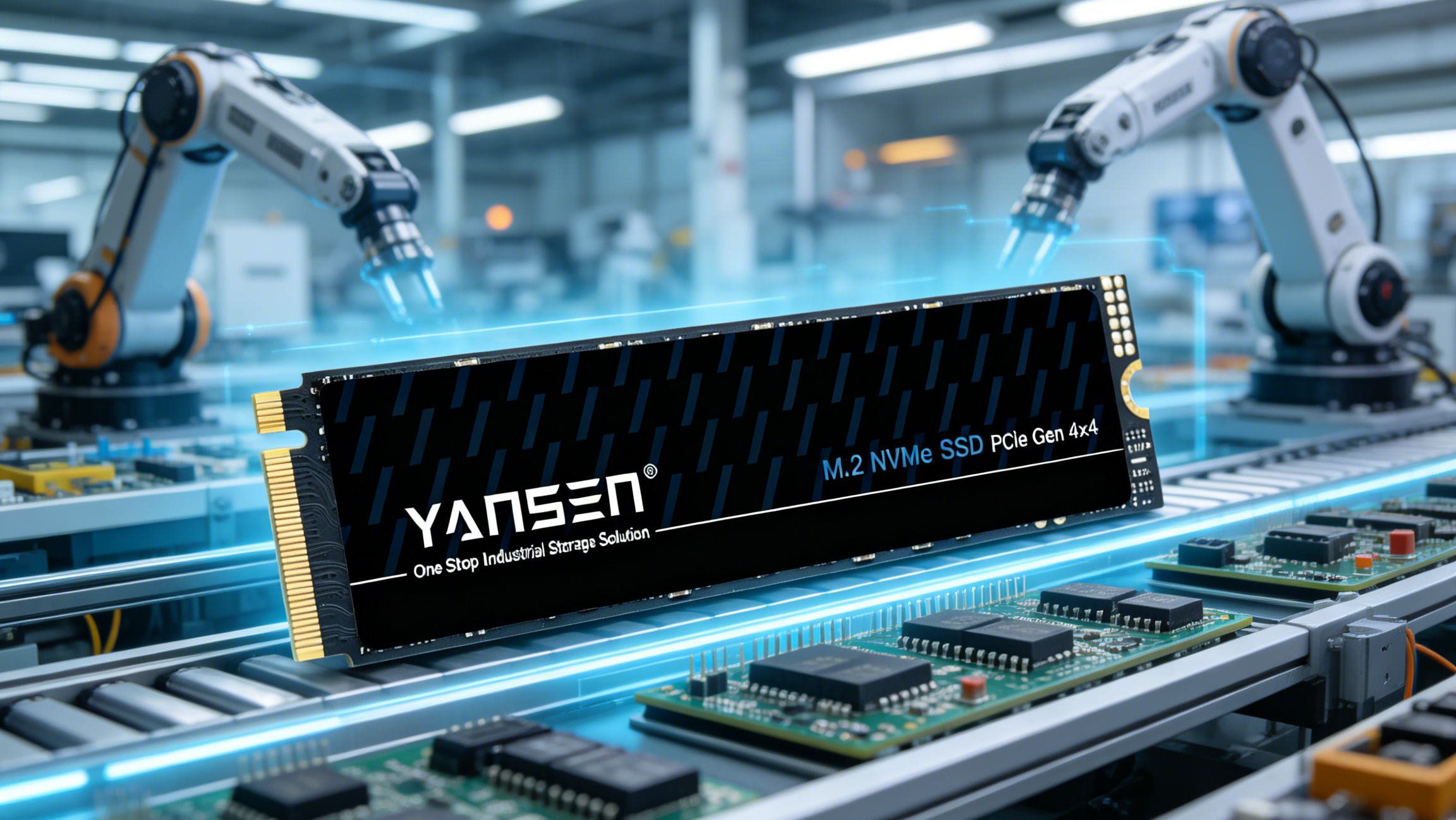
An M.2 SATA SSD is a small storage device. It uses the M.2 shape and SATA connection type. These drives are faster and smaller than older 2.5-inch SSDs. They plug into your motherboard directly, so no cables are needed.
Here’s a simple breakdown of M.2 SATA SSD specs:
|
Specification |
Details |
|
Connector |
M.2 |
|
Connection Protocol |
SATA |
|
Technology |
SATA |
|
Form Factor |
M.2 |
|
Size Variations |
22mm or 30mm wide, lengths 16mm to 110mm |
|
Keying |
Two U-shaped cutouts (M and B keys) |
M.2 SATA SSDs are great for people wanting good speed at a fair price. They are slower than M.2 NVMe SSDs and need a compatible motherboard to work.
1.1.2 How M.2 SATA SSDs work
M.2 SATA SSDs store data using NAND flash memory. They send data through the SATA connection. When installed, they link to your system using the SATA bus. This gives speeds up to 550 MB/s, much faster than regular hard drives.
1.2 Benefits of M.2 SATA SSDs
1.2.1 Compact form factor
The small size of M.2 SATA SSDs is a big plus. They are only 22mm wide and come in different lengths. This saves space in your computer. They are perfect for thin laptops and small desktops.
1.2.2 Energy efficiency and performance
M.2 SATA SSDs use less power than old hard drives. This helps laptops last longer on battery and keeps them cooler. While slower than NVMe SSDs, they are still fast for daily tasks like starting your computer or opening apps.
1.3 Common Use Cases
1.3.1 Laptops and ultrabooks
If you have a laptop or ultrabook, an M.2 SATA SSD is a great upgrade. Its small size and low power use make it perfect for portable devices. You’ll see faster start times and smoother multitasking.
1.3.2 Desktop PCs and workstations
For desktops, M.2 SATA SSDs offer neat and simple storage. They don’t need extra cables, keeping your setup tidy. These drives are great for tasks like editing documents, browsing, and light gaming.
2. Key Factors to Consider
2.1 Compatibility
2.1.1 Checking motherboard support
Before buying an M.2 SATA SSD, check your motherboard. Not all motherboards work with M.2 SATA SSDs. Some only support M.2 NVMe SSDs. Read your motherboard’s specs to find the right M.2 slot.
Tip: Check if the SSD uses SATA or NVMe. If speeds are over 550 MB/s, it’s likely an NVMe SSD, not a SATA SSD.
2.1.2 Understanding M.2 slots and SATA interface
M.2 slots can fit both SATA and NVMe SSDs. The interface decides if it works. M.2 SATA SSDs use the SATA bus, limiting speeds to 550 MB/s. They are great for users who want good value over top speed.
Note: M.2 SATA SSDs have unique keys (M and B keys). These keys help tell them apart from NVMe SSDs. Some NVMe SSDs may look similar, so always double-check.
2.2 Performance
2.2.1 Read/write speeds and their impact
The read and write speeds of M.2 SATA SSDs affect how fast your system feels. They usually read at 550 MB/s and write at 520 MB/s. While slower than NVMe SSDs, they are much faster than old hard drives.
Tip: For daily tasks like starting your computer or opening apps, M.2 SATA SSDs are fast and affordable.
2.2.2 IOPS (Input/Output Operations Per Second) explained
IOPS shows how many tasks your SSD can handle each second. Higher IOPS means faster multitasking and smoother app performance. M.2 SATA SSDs also have low delay, making them quick for most tasks.
2.3 Capacity
2.3.1 Choosing the right storage size for your needs
Pick a size based on what you need. For basic use, 256 GB is enough for your system and files. Gamers or professionals might need 512 GB or more for bigger apps and media.
|
Metric Type |
Description |
|
Storage Capacity |
Plan for the data you’ll save, like files or programs. |
|
Historical Data |
Look at past usage to see how much space you’ve needed. |
|
Demand Forecasting |
Predict future needs based on how much data you’ll use. |
2.3.2 Balancing capacity and performance
Bigger drives give more space but may slightly lower speed. Pick a size that fits your needs and budget. For most people, 512 GB is a good mix of space and cost.
2.4 Pricing
2.4.1 Affordable options vs high-end models
When picking an M.2 SATA SSD, know the difference between cheap and expensive ones. Cheaper SSDs are great for simple tasks like browsing or editing. They have slower speeds and fewer features but work well for most people.
Expensive SSDs are better for gamers and professionals needing top performance. These have faster speeds, last longer, and often come with better warranties. For example, a 1TB budget SATA SSD costs about $60 CAD. A high-end M.2 SATA SSD of the same size might cost $115 CAD.
Tip: If you multitask a lot or move big files, a premium SSD can save time and boost productivity.
2.4.2 Checking cost per GB
To find the best deal, calculate the cost per GB of storage. This helps compare SSDs with different sizes and prices. Here’s how:
Find the SSD’s price.
Look at its storage size in GB.
Divide the price by the size to get cost per GB.
For example, a 1TB SATA SSD costing $60 CAD has a cost per GB of $0.06 CAD. A 1TB M.2 SATA SSD priced at $115 CAD has a cost per GB of $0.115 CAD. While M.2 SATA SSDs cost more, they are faster and smaller.
|
SSD Type |
Capacity |
Price (CAD) |
Cost per GB (CAD) |
|
SATA |
1TB |
$60 |
$0.06 |
|
M.2 |
1TB |
$115 |
$0.115 |
|
NVMe |
1TB |
$140 |
$0.14 |
Note: For basic tasks, SATA SSDs are the cheapest per GB. But if you want speed and a small size, M.2 SATA SSDs are worth the extra money.
3. M.2 SATA SSD vs Other SSD Types
3.1 M.2 SATA SSD vs M.2 NVMe SSD
3.1.1 Speed and performance differences
M.2 NVMe SSDs are much faster than M.2 SATA SSDs. NVMe SSDs can read up to 7,500 MB/s and write up to 3,000 MB/s. SATA SSDs, however, read up to 550 MB/s and write up to 520 MB/s. This makes NVMe SSDs better for tasks needing fast data transfer.
|
SSD Type |
Read Speed (MB/s) |
Write Speed (MB/s) |
|
M.2 NVMe |
Up to 7500 |
Up to 3000 |
|
M.2 SATA |
Up to 550 |
Up to 520 |
3.1.2 Best uses for each type
Choose an M.2 NVMe SSD for gaming or video editing. These tasks need high speed. For everyday use, an M.2 SATA SSD is a good choice. It balances speed and cost well.
3.2 M.2 SATA SSD vs 2.5-inch SATA SSD

3.2.1 Size and installation differences
M.2 SATA SSDs are smaller and plug into the motherboard directly. They don’t need cables, making them great for small devices. 2.5-inch SATA SSDs are bigger and need extra cables to connect.
|
Feature |
M.2 SATA SSDs |
2.5-inch SATA SSDs |
|
Form Factor |
Smaller, plugs into motherboard |
Bigger, needs extra cables |
3.2.2 Comparing speed and price
Both types have similar speeds, around 550-600 MB/s. But M.2 SATA SSDs usually cost more because they are smaller and easier to install.
3.3 When to Pick M.2 SATA SSDs
3.3.1 Best times to use M.2 SATA SSDs
M.2 SATA SSDs are great for thin laptops and ultrabooks. They save space and are faster than old hard drives. They are a good choice for general tasks.
- Perfect for slim laptops and ultrabooks with limited space.
- Faster than traditional hard drives, ideal for everyday use.
- Great for users who want small size and easy setup.
3.3.2 Things to keep in mind
M.2 SATA SSDs are slower than NVMe SSDs. If you need very fast speeds, NVMe SSDs are better for demanding tasks.
4. FAQ
4.1 What makes M.2 SATA and M.2 NVMe SSDs different?
M.2 SATA SSDs use SATA and reach 550 MB/s speeds. M.2 NVMe SSDs use PCIe and go up to 7,500 MB/s. SATA SSDs cost less and are great for daily tasks. NVMe SSDs are faster and better for gaming or editing videos.
4.2 How can I check if my motherboard supports M.2 SATA SSDs?
Check your motherboard’s manual or specs for an M.2 slot. Make sure it supports SATA SSDs, as some only work with NVMe SSDs. Look at the SSD’s key (B or M key) and match it with the slot.
4.3 Can I install an M.2 SATA SSD in a laptop?
Yes, most laptops today support M.2 SATA SSDs. Check if your laptop has an M.2 slot for SATA SSDs. These SSDs are small, save power, and are easy to install, making them great for laptops.
4.4 Are M.2 SATA SSDs good for gaming?
M.2 SATA SSDs are fine for casual gaming. They load games faster than old hard drives. But for demanding games, M.2 NVMe SSDs are better because they are much faster.
4.5 How long will an M.2 SATA SSD last?
M.2 SATA SSDs usually last 5-10 years, depending on use. Most come with a 3-5 year warranty. Use software tools to check the SSD’s health and keep it working well.